How people opt in
Avisly does not send marketing SMS. There is no newsletter list and no campaign builder. The only texts are transactional, and only after the person types their number in our UI.
Rule
- The phone field is filled by the user, not imported.
- SMS is an unchecked checkbox (or a login they started themselves).
- Disclosure sits next to the box: what we send, how often, STOP to quit.
- STOP / NIE / rezygnacja unsubscribes that number immediately.
1. Booking form
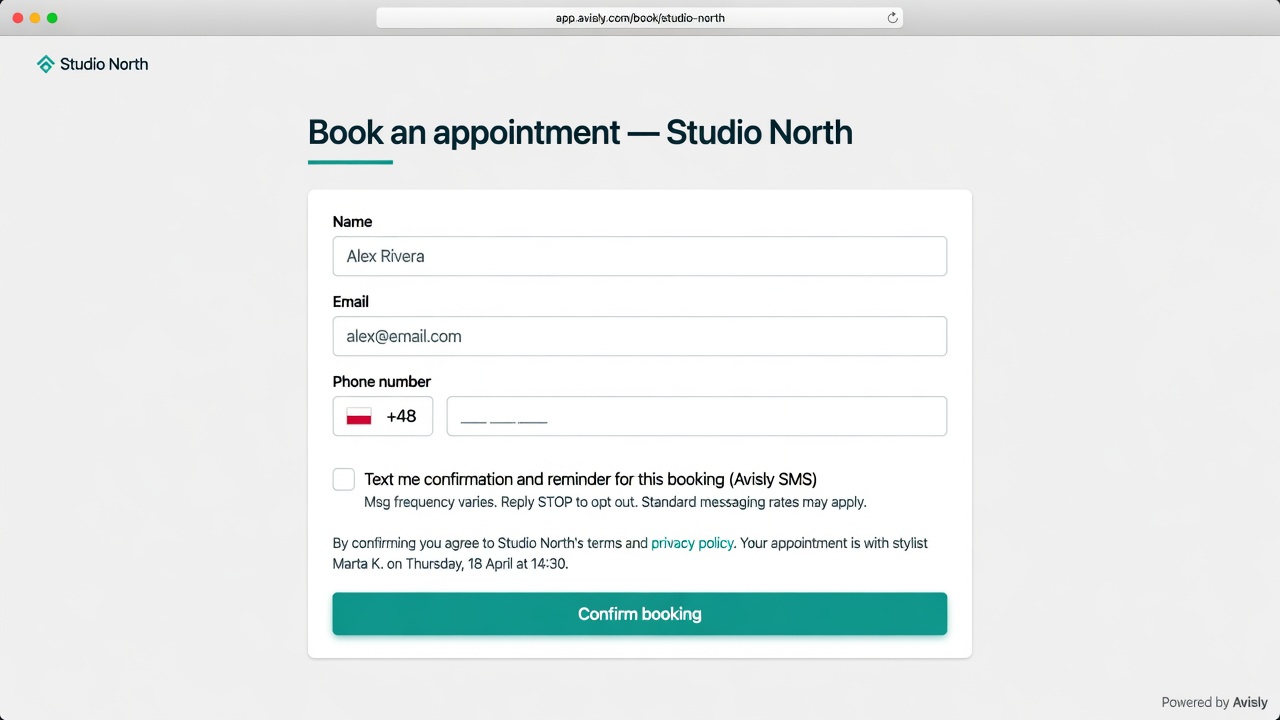
Default: box off. If they tick it, they get one confirmation and one reminder for that appointment.
2. Login code
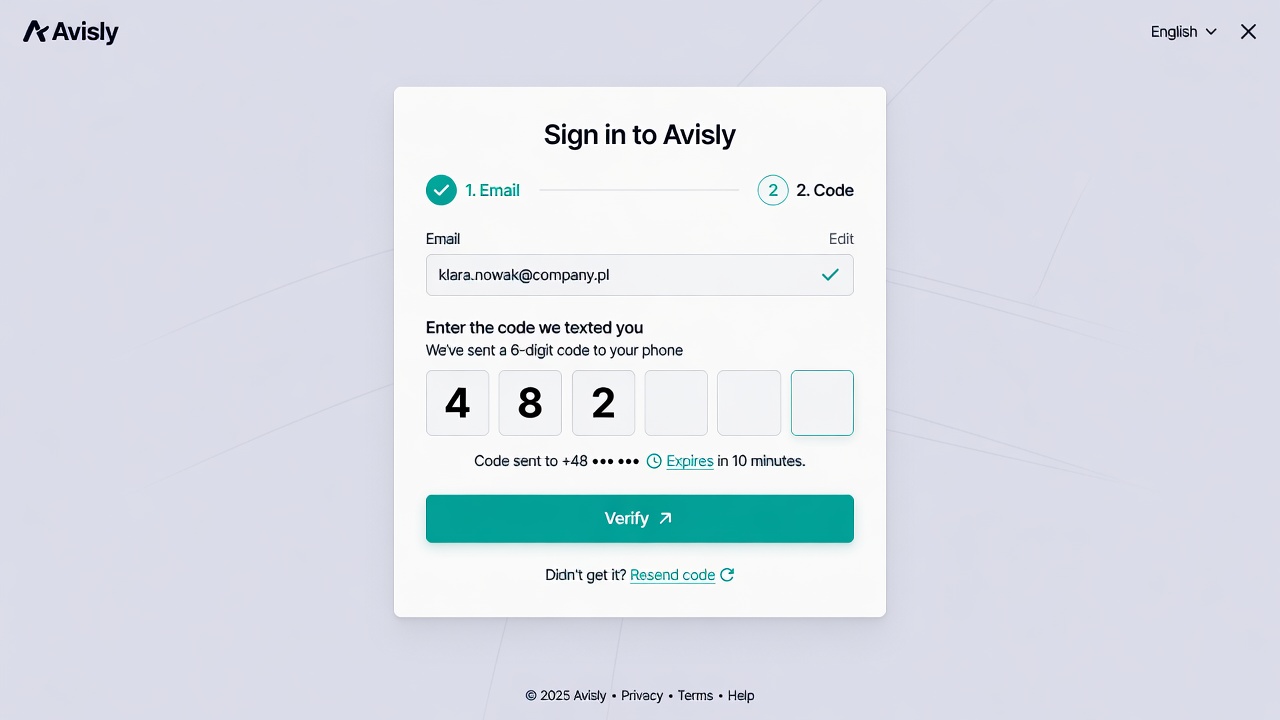
OTP goes only to the number on the account, entered at signup or in security settings. Not a marketing channel.
3. Order updates
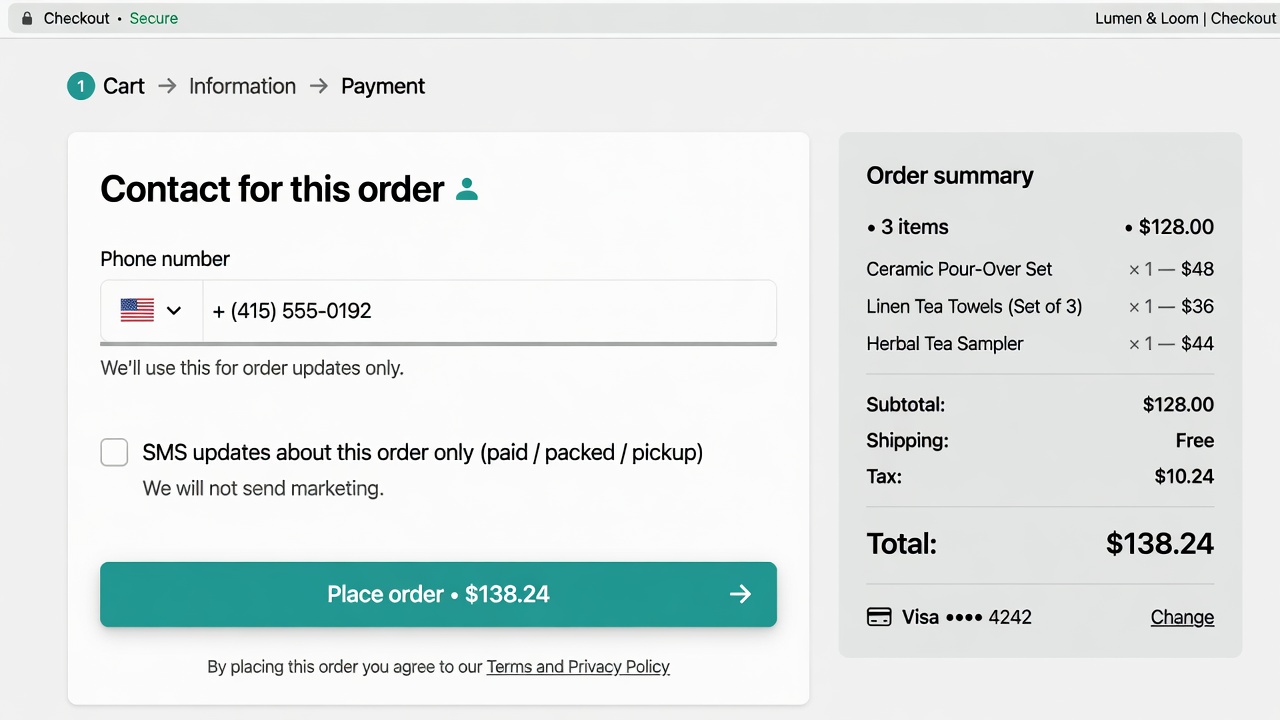
Checkout copy: “SMS updates about this order only. We will not send marketing.”
Sample messages
Avisly: Your appointment at Studio North is confirmed for 21 Oct, 14:30. Reply STOP to opt out.
Avisly: Your login code is 482193. It expires in 10 minutes. Don’t share this code.
Avisly: Order #1042 is ready for pickup today until 18:00. Reply STOP to opt out.
Avisly: Your login code is 482193. It expires in 10 minutes. Don’t share this code.
Avisly: Order #1042 is ready for pickup today until 18:00. Reply STOP to opt out.